

Giving a Virtual Assistant Access Safely

Give a Virtual Assistant Access Safely: Grant Roles, not Passwords
Almost every access problem in a small business traces back to the same shortcut: sharing a password because it took thirty seconds and setting up proper access looked like a project. It is worth understanding what that shortcut costs, because the cost is real and rarely discovered at a convenient moment.
A shared password gives no audit trail, so you cannot tell who did what. It breaks two-factor authentication, since the code goes to your phone and someone has to relay it. It cannot be revoked without changing the password and disrupting everything else that uses it. And in most services it breaks the terms, which matters if you ever need the provider's help after an incident.
The alternative takes about ten minutes across your main systems. Grant a role to a named account, and every one of those problems disappears at once.
What Proper Virtual Assistant Access Looks Like
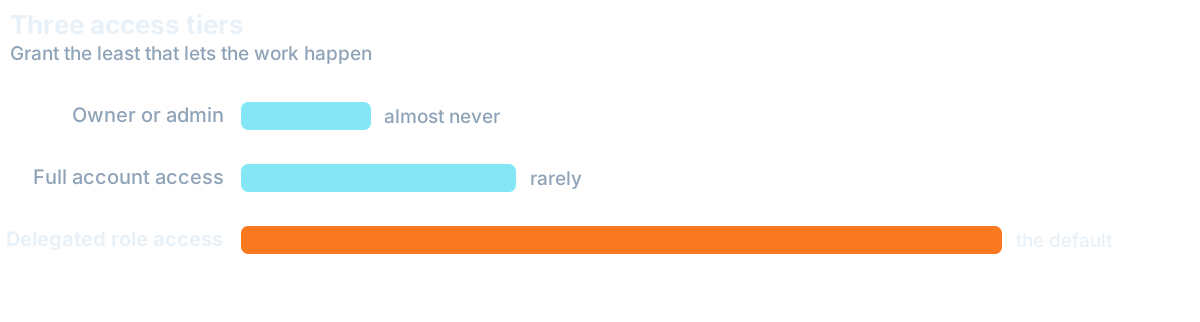
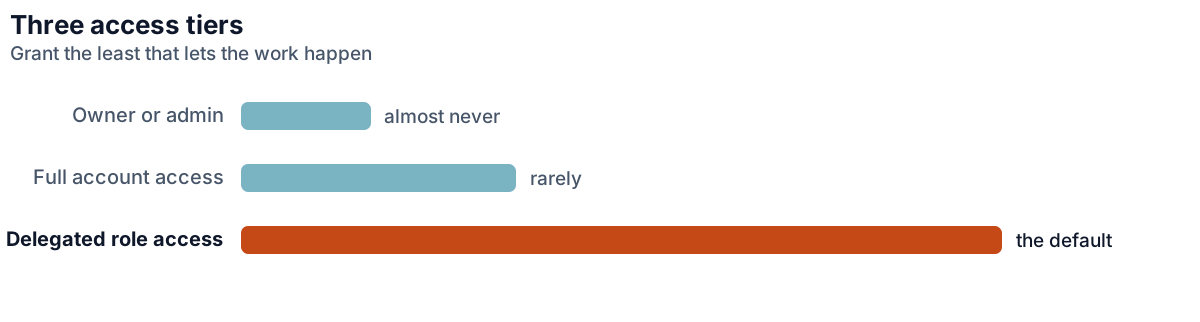
Nearly every business tool now supports named users with permission levels, and the pattern is the same everywhere: create an account for the person, assign the narrowest role that lets them do the job, and expand it when the work requires rather than in anticipation.
Start narrower than feels convenient. It is far easier to grant an extra permission when someone hits a wall than to work out, six months later, which of the twelve people with full access made a change. Narrow access also protects the assistant, since they cannot accidentally do something they were never meant to be able to do.
None of this changes if some of the work goes to a Digital Employee instead of a person. It gets its own named access at the narrowest role that does the job, never your password, and you decide which steps wait for approval before anything is sent, posted or changed. Withdrawing that access works the same way it does for a person.
It is worth separating two things people tend to merge: access and trust. Setting narrow permissions is not a statement about the person, it is a property of the system, and framing it that way in the first conversation avoids an awkward subtext. Any competent assistant has seen this done properly elsewhere and reads a careful setup as professionalism, not suspicion.
How to Give Email Access the Right Way
Email is the most requested access and the one most often set up badly. Both major platforms solve it properly: Gmail has delegation, which lets someone read and send on your behalf without your password and without touching your two-factor setup. Microsoft 365 has shared mailboxes and delegate permissions that do the same.
Both give you an audit trail, both survive a password change, and both can be revoked instantly from a settings page. Neither requires sharing anything secret. If you take one thing from this article, make it this: never hand over an email password, because the inbox is where password resets for everything else arrive. The staged approach in handing over your inbox builds on this setup.
Files, CRM and Everything in between
Shared drives should be organised so access can be granted by folder rather than wholesale. If your structure requires giving someone everything in order to give them anything, that is worth fixing before the hire. It is a twenty-minute reorganisation that prevents a recurring problem.
For a CRM, use the built-in roles. Most have a level that permits creating and updating records without exporting the database or deleting history, which suits an assistant handling data entry and records. Pay attention to export permissions specifically: the ability to download your entire contact list is the one that matters most if a relationship ends badly, and it is rarely needed for the day-to-day work.
Third-party tools deserve a moment's thought too. Scheduling apps, social platforms, design tools and anything else in your day-to-day tool stack should be under accounts you own, with them added as a user. It is a small distinction with a large consequence: an account created in their name and paid on their card leaves with them, taking the history and configuration with it.
Anything that Touches Money
This deserves its own rules, written down rather than assumed. An assistant can reasonably prepare invoices, chase payment, reconcile records and assemble reports, all valuable, all low-risk, which is the heart of a bookkeeping assistant role. What they should not have is the ability to move funds, change payment details, or approve spend above a stated limit.
Most accounting platforms support this split with a preparer role. Use it. For anything involving a bank, read-only access is usually enough for reconciliation and is a completely different risk profile from transactional access. Where a payment must be made, keep approval with you and let the assistant prepare it. The preparation is the work, the approval is the control.
Insist on Two-Factor Authentication Everywhere
Two-factor authentication is worth insisting on wherever the platform supports it, on their account rather than shared with yours. It is the single highest-value control available and it costs nothing. If a tool has no support for named users at all, and some older systems do not, treat that as a reason to review the tool rather than a reason to share a password.
Plan the Offboarding at the Beginning
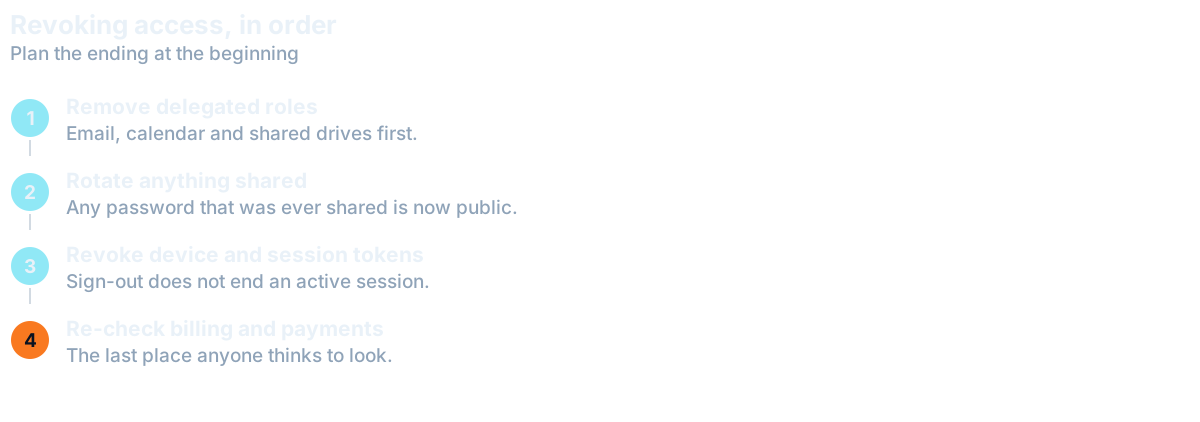
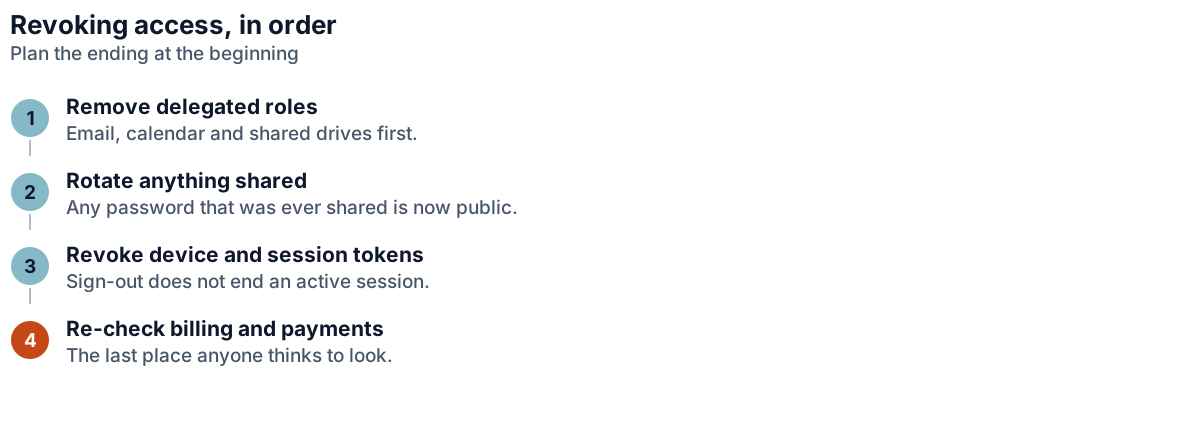
Every engagement ends eventually, usually amicably, and the time to make that clean is while you are setting it up. Keep a written list of every system the assistant has access to, updated whenever you add one. It takes seconds each time and turns offboarding from an anxious archaeology exercise into a ten-minute checklist.
Forgotten access is the most common real-world problem, far more than any deliberate misuse. An account nobody remembered, still active two years later, is a real risk that builds up quietly with every hire. If you granted roles rather than sharing credentials, revoking is a series of toggles and nothing else breaks, which is the whole argument for doing it properly on day one.
Want this handled for you?
We map the work eating your week and match a skilled specialist, typically in 7-14 days.